


Cleaners and Disinfectants
Select one or more systems, transducers, and accessories from the Products list; and zero or more items from the Cleaners and Disinfectants list.
- For a quick view of cleaners/disinfectants for your system only, click on the appropriate image.
- Important - Always be sure to check cleaner compatibility for your transducers as well for your system.
- Some product compatibility approvals are dependent on the product revision. Revision numbers are located on product labels. E.G. P12345-xx where, "xx" denotes the revision.
Home
Meet Sonosite, the leader in portable ultrasound technology, credited for advancing medicine by bringing ultrasound to the point of care.
Sonosite LX
Discover Sonosite LX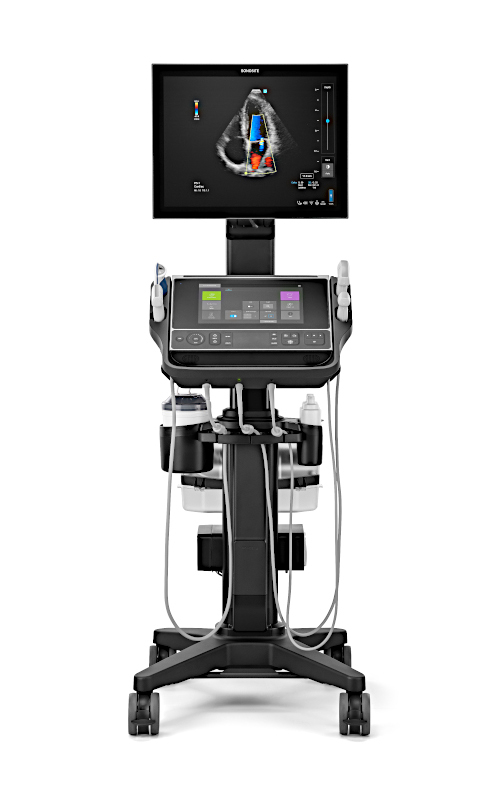
Sonosite PX
Discover Sonosite PX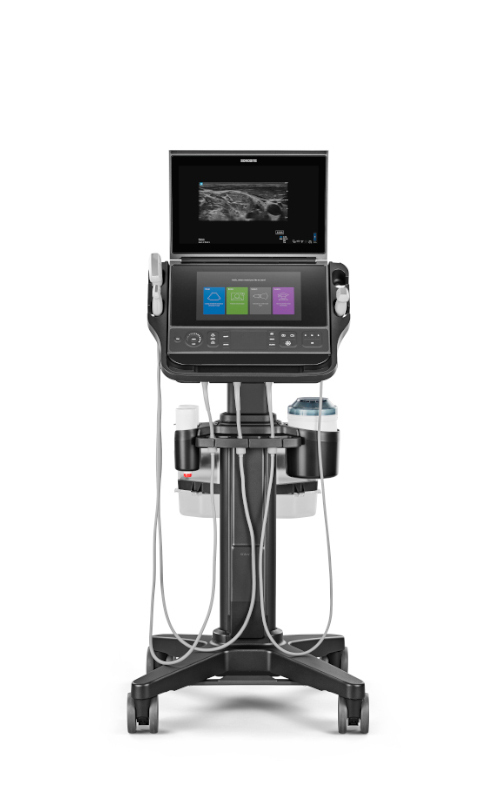
Diagnostic Shoulder Ultrasound: The Results Are In
In this article for Becker's Orthopedic Review, Dr. Don A. Buford explains both the clinical evidence and benefits for the use of diagnostic ultrasound for shoulder evaluation. In particular, evidence for the use of ultrasound as the first imaging study in cases of suspected rotator cuff tear. Dr. Buford, an orthopedic surgeon, also covers the benefits of ultrasound to patients, his clinical practice and the costs to the healthcare system. As the healthcare system moves toward both Appropriate Use Criteria for imaging and lower costs, this article explains why it is time to implement such practices.
How quickly can I get a part or accessory?
How quickly can I get a part or accessory?
We have repair parts and accessories for your Sonosite system available for overnight delivery, if necessary. Contact Sonosite Technical Support at 877-657-8118 to place an order. For more details, see our dealer support information.
What Devices Does SonoAccess Work On?
What Devices Does SonoAccess Work On?
SonoAccess is available from the Apple iTunes® store for iPhone® and iPod touch® devices. The device must have iPhone operating system (OS) version 3.0 (or better) installed; we recommend always using the most current iPhone OS version. Older iPhone OS versions and devices, as well as OS versions from other manufacturers, are not currently supported.
What Is the Current Version of SonoAccess?
What Is the Current Version of SonoAccess?
Note: To check your SonoAccess version, tap the My Profile button, which is located on the blue title bar of the Coach tab. The version number is located in the upper right corner of the screen, below the title bar. For the best SonoAccess experience, please update your iPhone OS and SonoAccess app as new versions become available.